Network: the router

I am writing this post sooner than I planned to and the reason is that I discovered that after telephones and drones, they are now also banning simple retail wifi routers. The Orwellian future isn't future anymore...
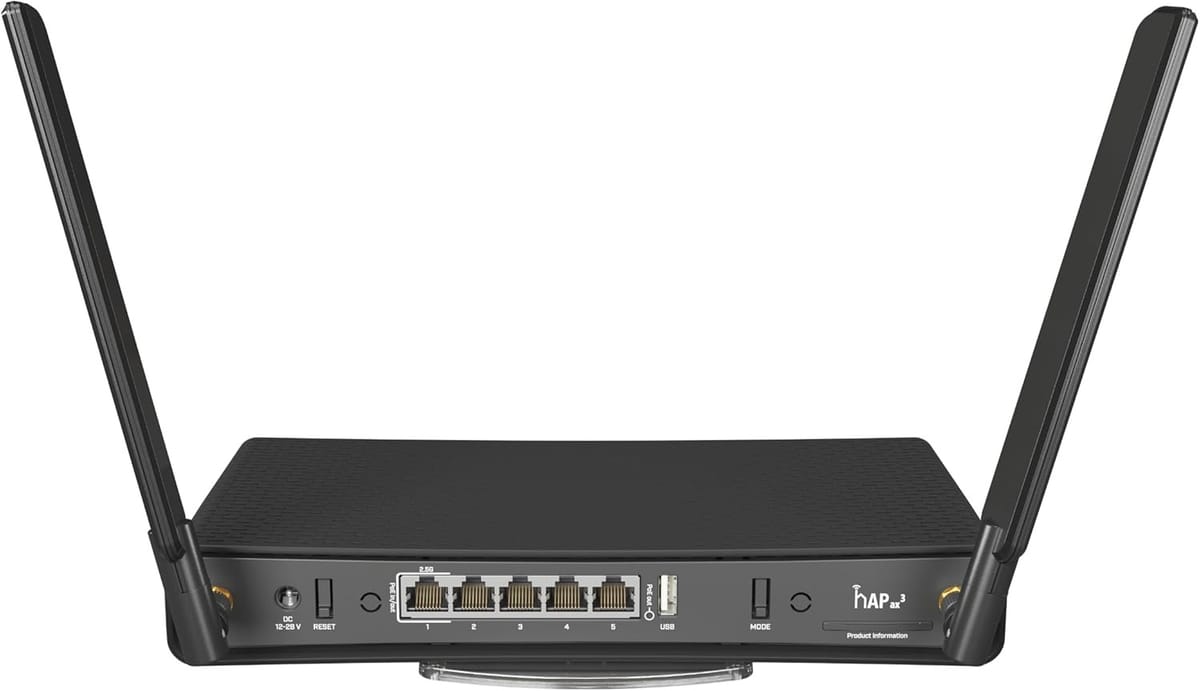
After a lot of testing and spending lots of money on buying hardware to test, I have come to this Mikrotik hAP ax3 router as the best choice for anyone who wants to use features like VPN's, self hosting websites, blogs, personal cloud service, online photo and/or music archives etc. This router costs about $135 as long as you can still find it in stock: it's very popular and more so now that they are banning retail wifi routers.
The important features are: Dynamic DNS updates in case your ISP changes your public IP number, Wireguard VPN's, DC powered, Dual band fast wifi, one 2.5Gbps and four 1Gbps Ethernet ports that can be freely assigned to multiple WAN uplinks or LAN ports and extensive firewall with NAT and NAT masquerading. With multiple WAN ports you can use for example Starlink as well as a local (marina) wifi, defining the Starlink port as the primary uplink and a second one as the backup. For that backup port you use something like a gl.iNet router that can do host/station mode and uplink you to marina wifi or even use a cellular LTE or 5G router.
Configuring these routers isn't easy. I have been using them for over 30 years and am glad that ChatGPT can assist me, especially with things like NAT masquerade configurations.
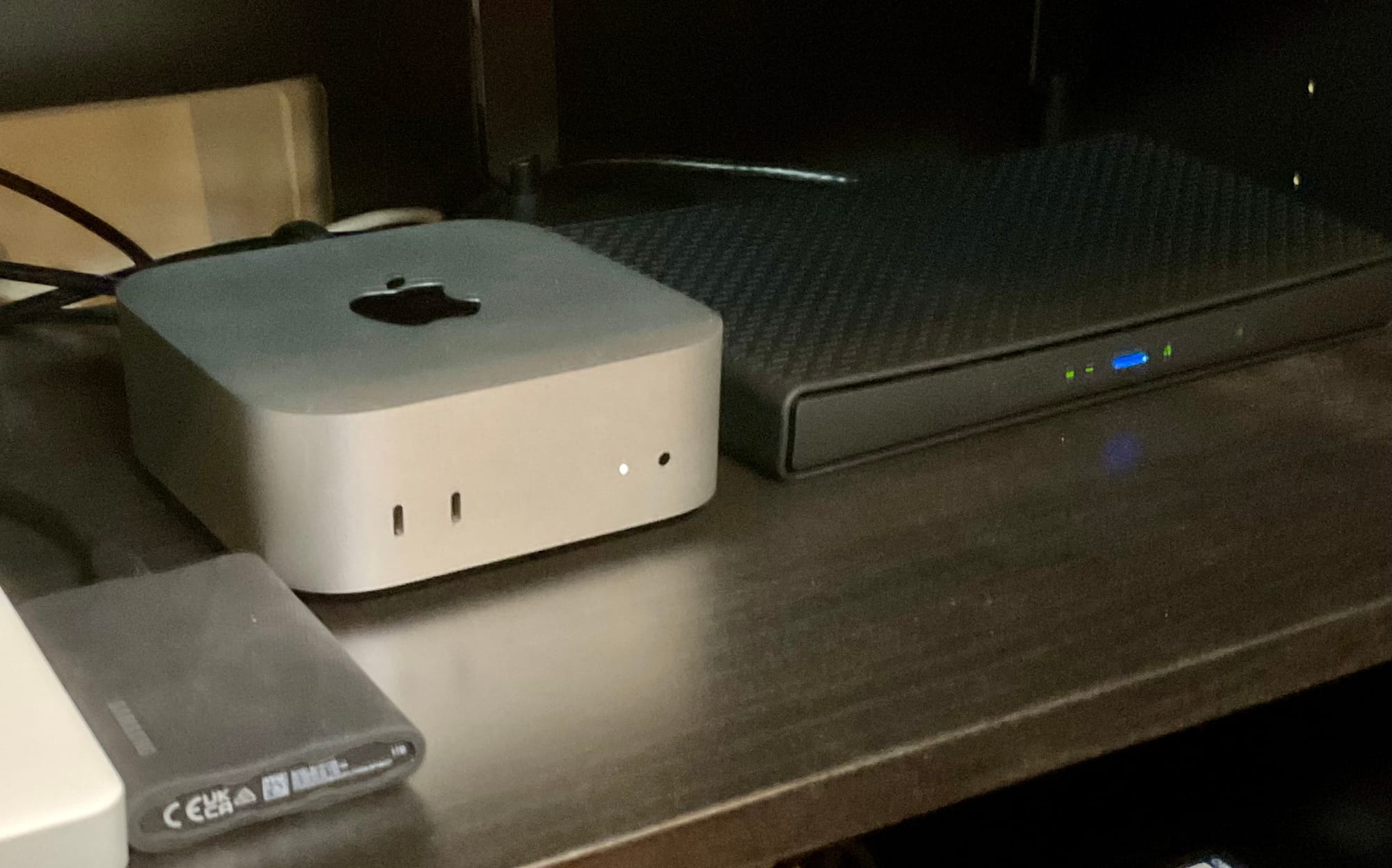
I will be posting many smaller posts on this "Network" tag on the blog outlining all the other steps involved with getting and staying online in the chaotic times we face. The end goal is that the only thing you need is Internet access and do everything else yourself. In the photo below you see the router on the right with a MacMini server next to it.